
Skip to content

Live 360

See every angle. Without leaving the page.

A full 360 spin and in-room AR, on the same product page where your customer already decides.

Photo 1 angle
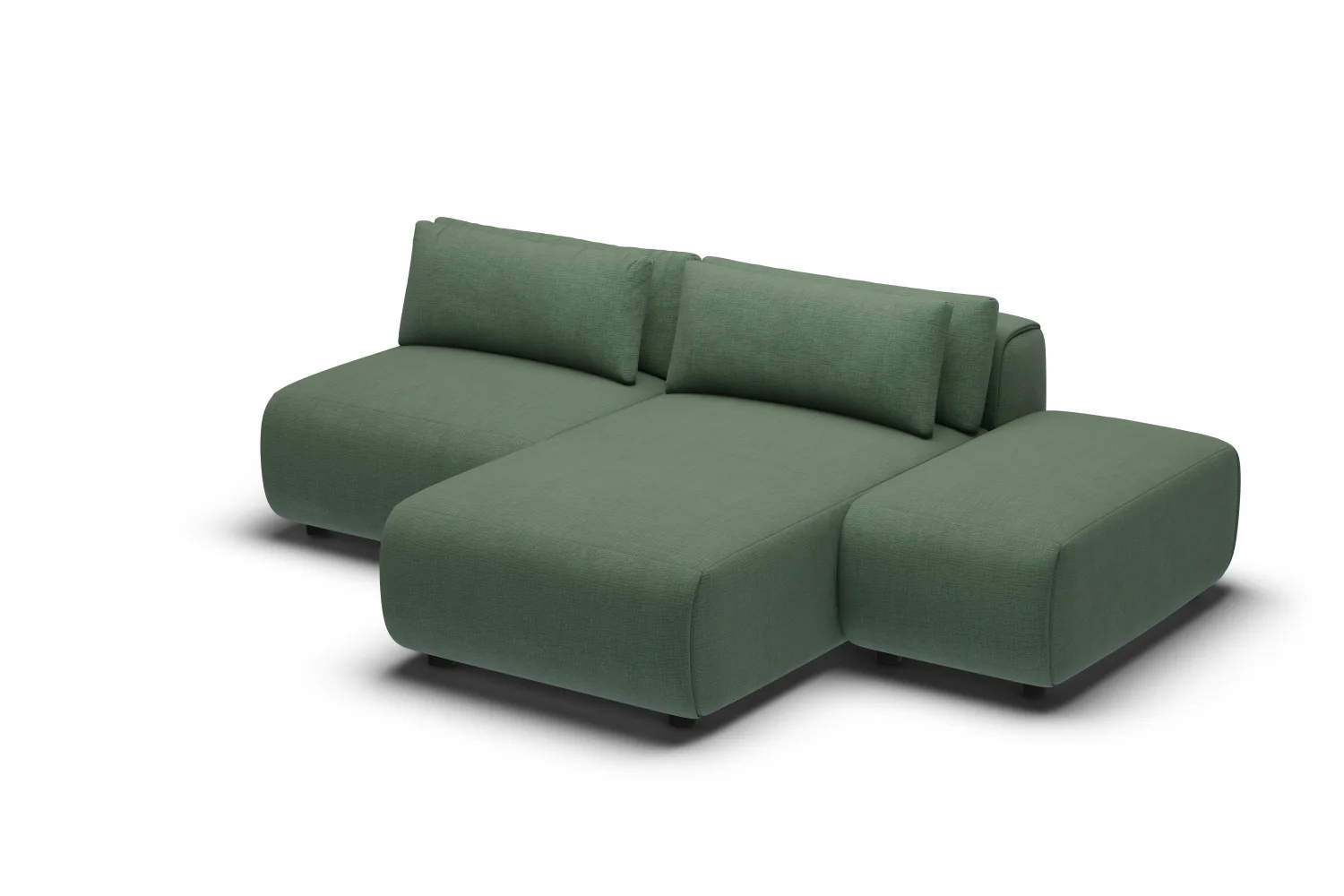
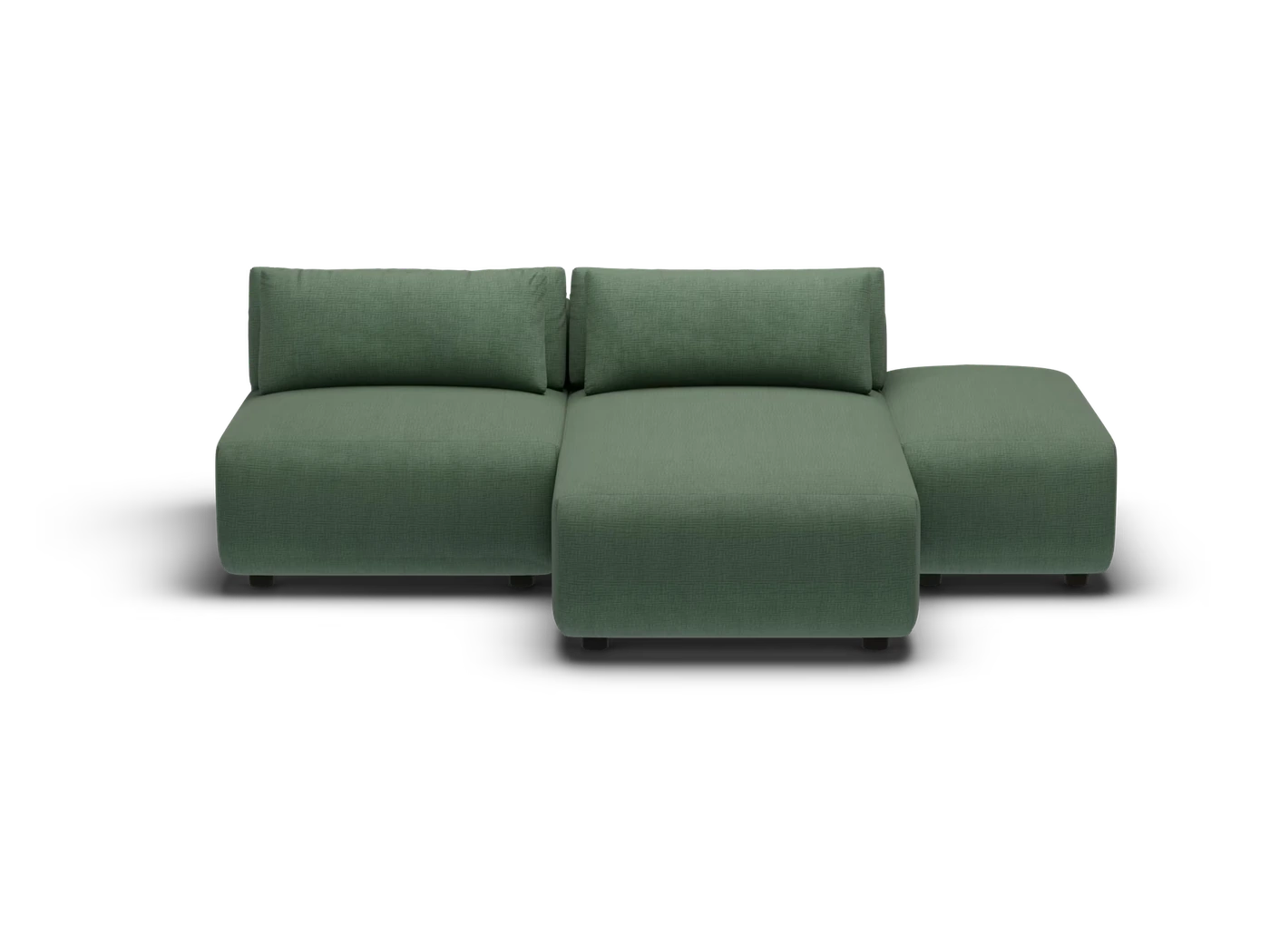
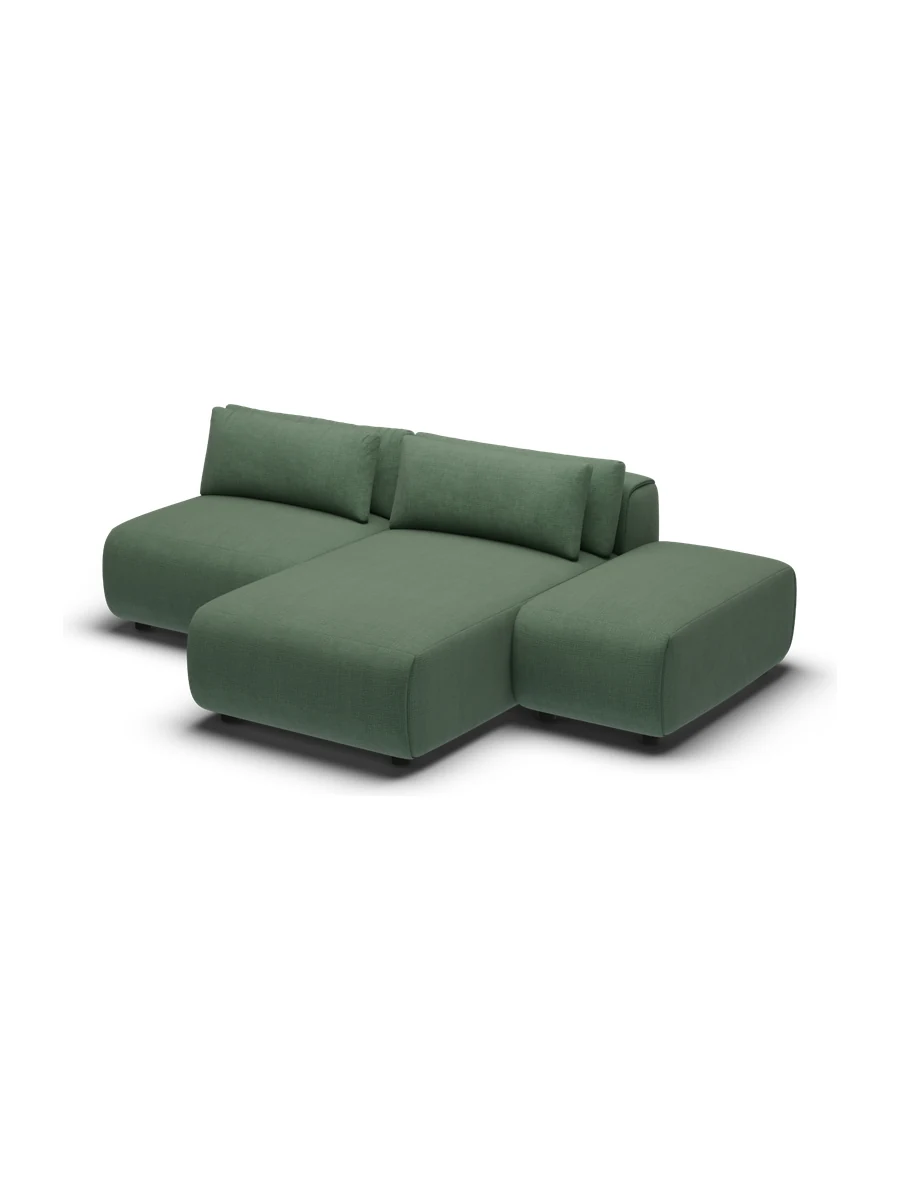
Amada modular sofa, Chaise Lounger Two Seater in Forest, three-quarter view
Live 360 & AR Live

Why 360

The realism of your photoshoot. The freedom of 3D.

Every angle rendered like a studio shot, light enough to put on every product you sell.

It looks like your photography.

01 / Photoreal

It looks like your photography.

Each frame is rendered to match your studio shots, the same light, the same shadows. On the page it never reads as a 3D model, it reads like a photograph of the real product.

Just images. No 3D engine.

02 / Lightweight

Just images. No 3D engine.

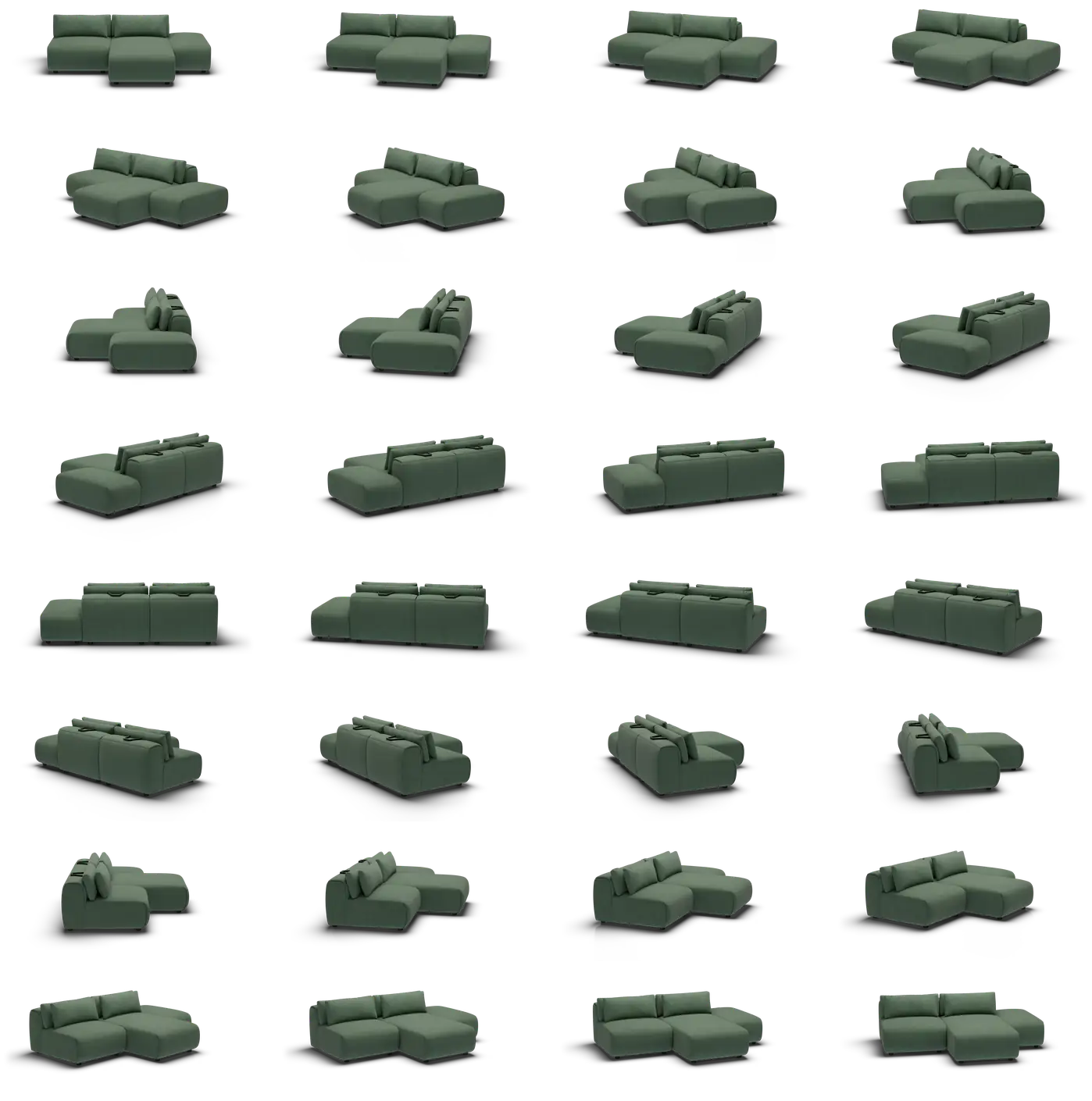
It is 32 images, not a 3D model. Nothing for your customer's phone to download and render, so it loads the moment they start to spin and works on any device, with no app.

Every colourway, from one model.

03 / Every colourway

Every colourway, from one model.

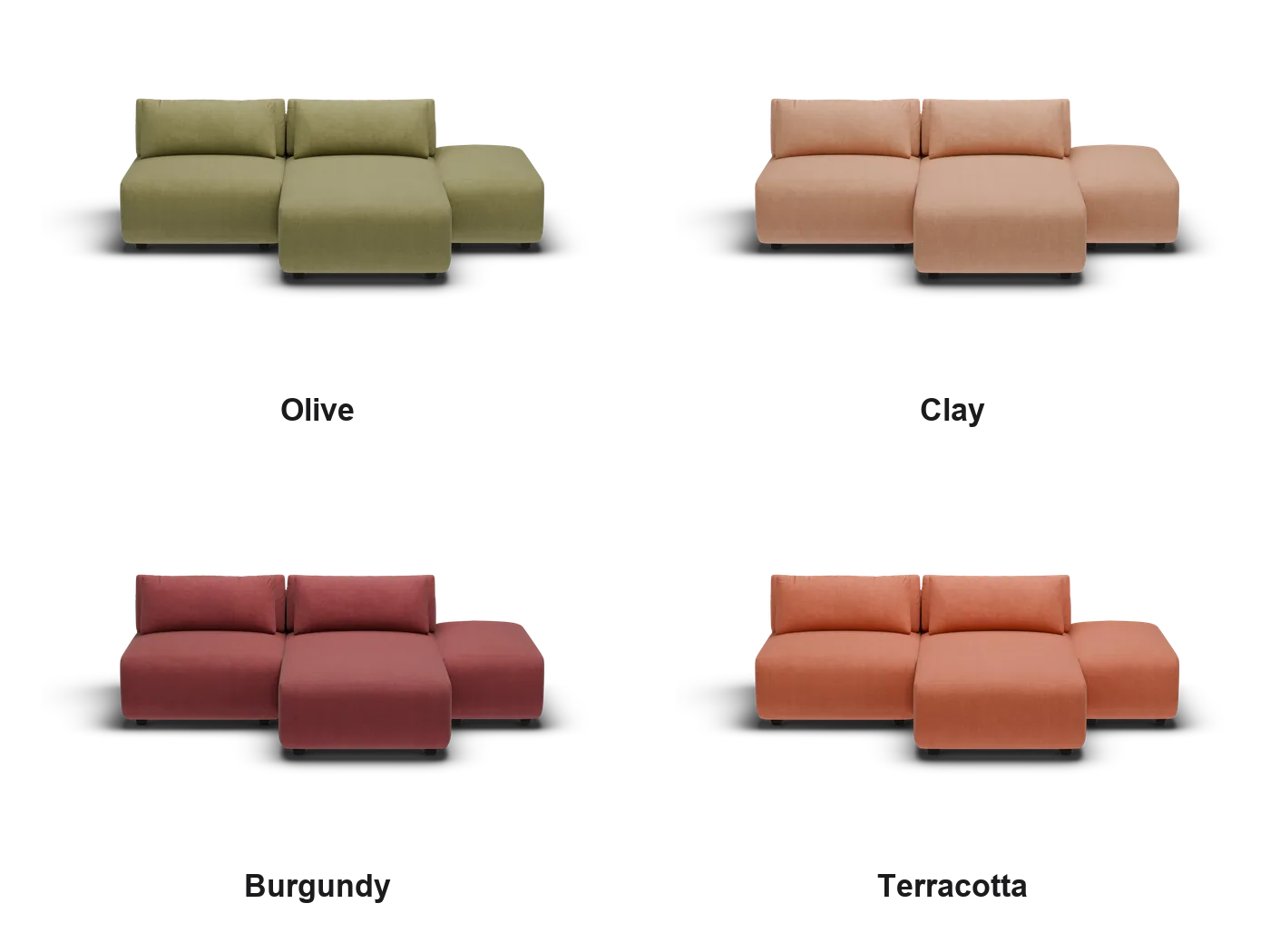
We build the product once, then render each colour from the same model. A new fabric is a render on our side, not another photoshoot, so your whole range can spin, not just the hero product.

How it works

From your product to a spin.

Four steps, from your source files to a spinning product page.

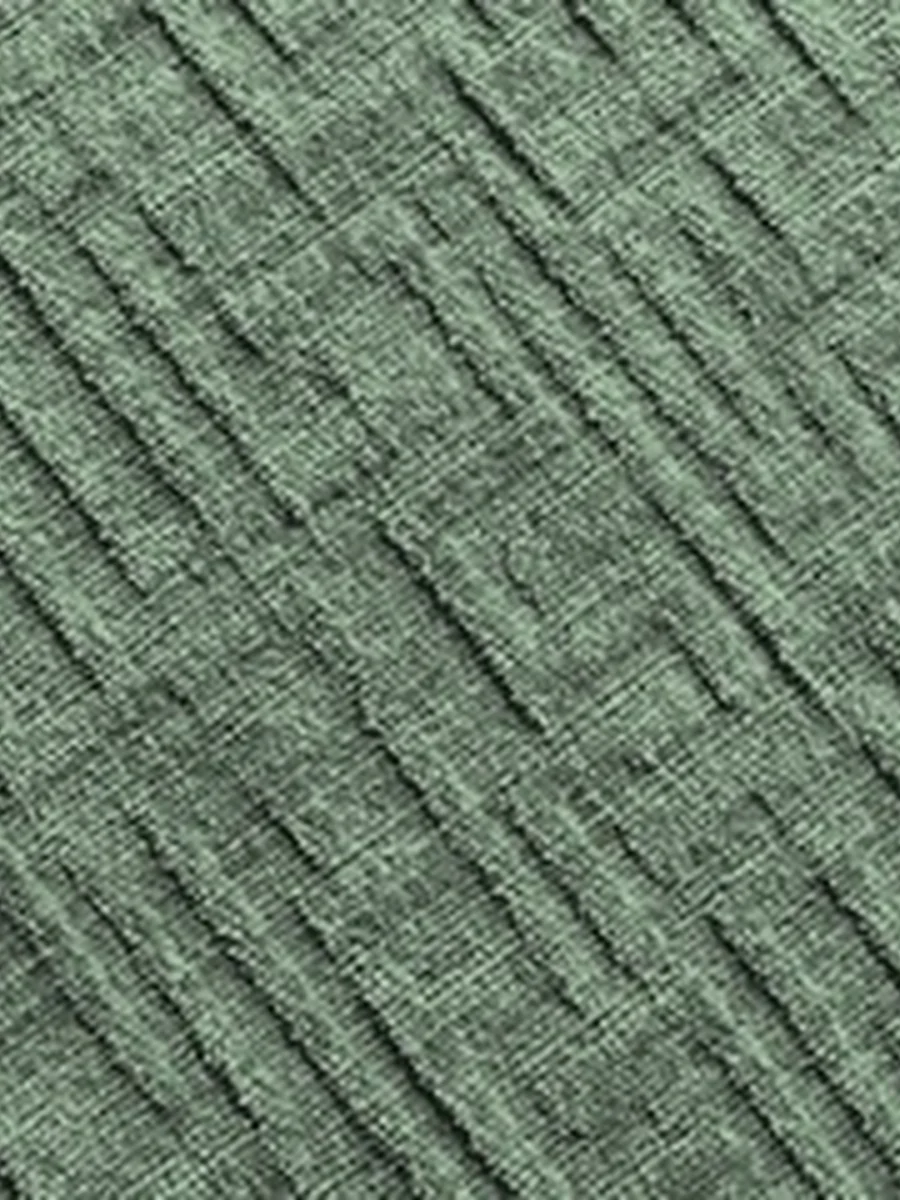
  1. Fabric reference: the textured jacquard in Forest, close up
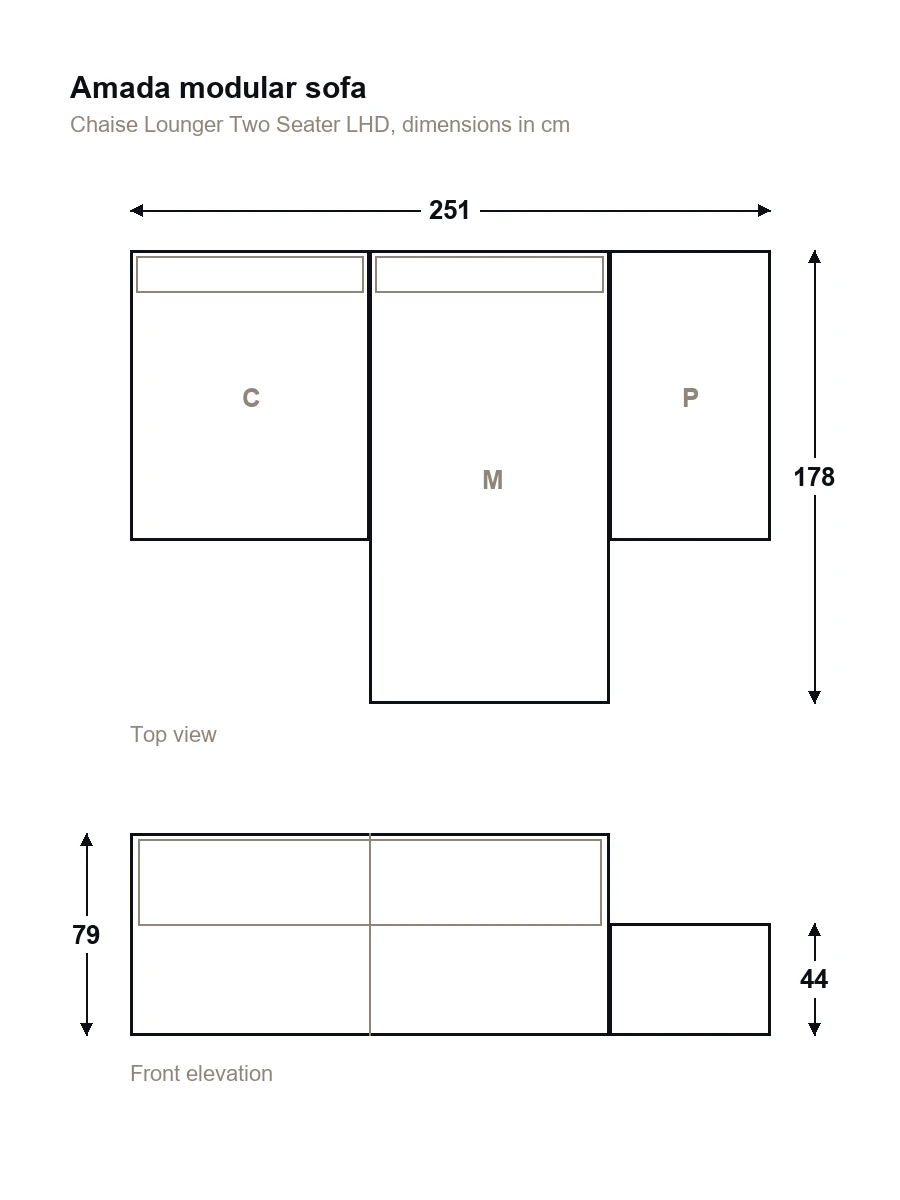
    Dimension drawing of the Amada Chaise Lounger Two Seater, top view and front elevation in centimetres
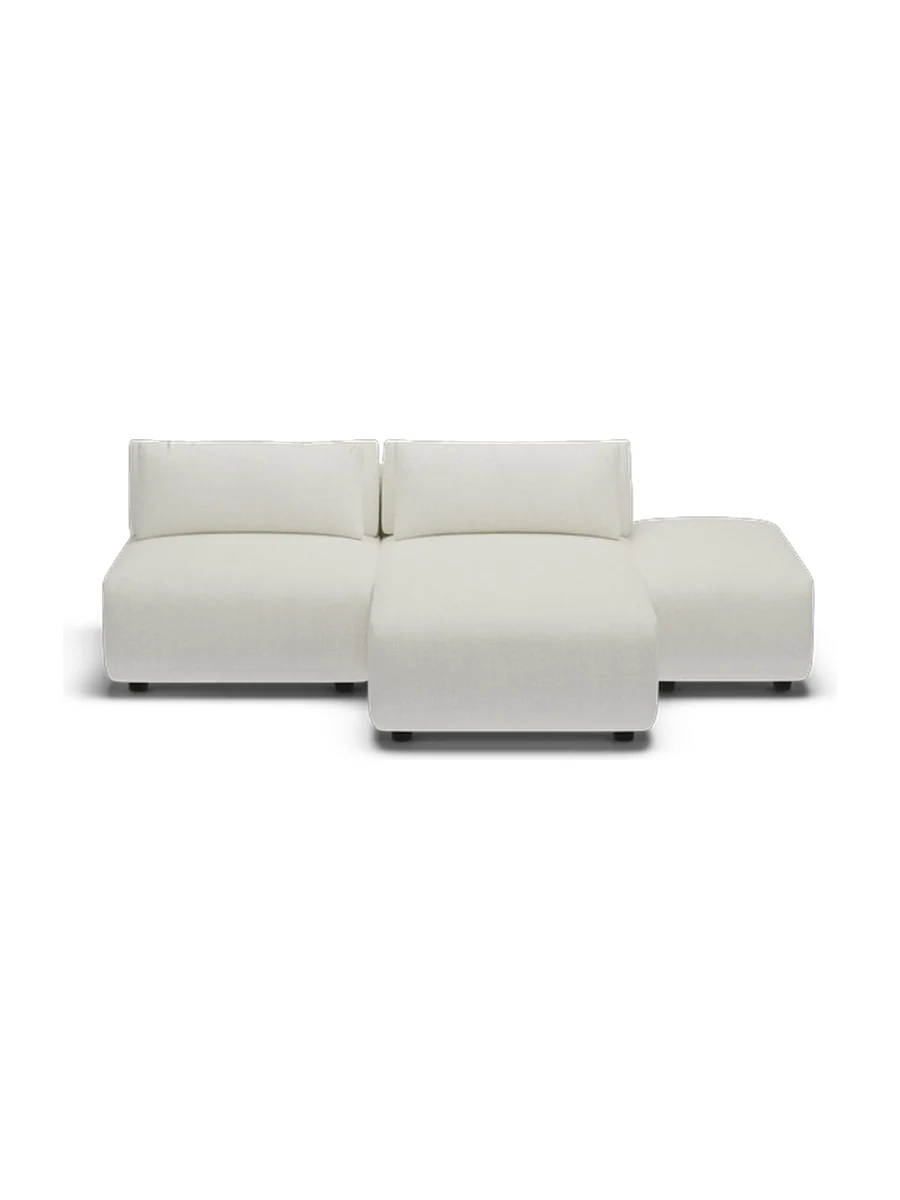
    The product visual supplied by the brand, the Amada Chaise Lounger Two Seater
    1

    You share your assets.

    Photos, drawings, dimensions or any element that would represent your product, and we build.

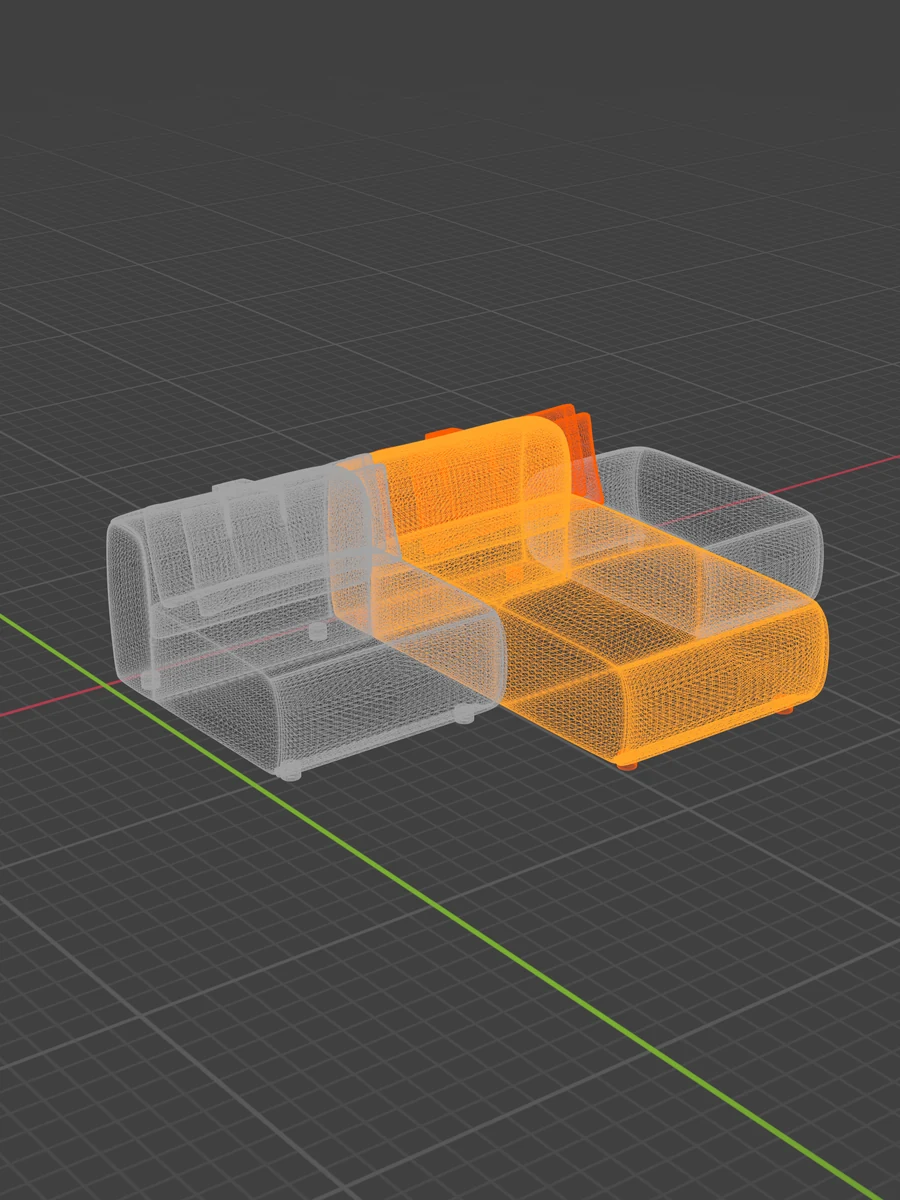
  2. The Amada sofa as a wireframe in Blender, the chaise module selected in orange
    The same Amada sofa rendered in Forest, studio lit
    2

    We render it.

    The model is built once, then 32 frames per colourway, studio-lit and matched to your own photography.

  3. 3

    It goes live on your page.

    One line of code on the product page you already sell from. We host it and we update it.

  4. 4

    Your customers spin it.

    They turn the product all the way round, zoom in on the stitching, and place it in their own room. No app, on any phone.

Why Neovaa

Four ways to get a 360 on your page. Here is what each one costs you.

A turntable photoshoot

Entry price
A shoot day, plus the rig
No commitment
Per shoot, no contract
No minimum volume
A shoot day, at least
They produce the frames for you
Shot in their studio
They host and install for you
Files handed over
Every colourway from one model
Every colour goes back under the rig
Dimensions and AR built in
Guidance at every step
Delivered and closed

DIY 360 software

Entry price
The licence is cheap, the team is not
No commitment
Ongoing, in house
No minimum volume
Once the rig is bought
They produce the frames for you
Your team does
They host and install for you
Hosting and page integration are yours
Every colourway from one model
A reshoot per colour
Dimensions and AR built in
Guidance at every step
Your own learning curve

An enterprise 3D platform

Entry price
Very high, volume committed
No commitment
Annual contract
No minimum volume
Volume committed
They produce the frames for you
Your team does
They host and install for you
Every colourway from one model
Dimensions and AR built in
Guidance at every step
Onboarding, then a ticket queue

Neovaa

Entry price
Per SKU, no minimum
No commitment
No minimum volume
They produce the frames for you
They host and install for you
We do, or you do
Every colourway from one model
Dimensions and AR built in
Guidance at every step

Rendered, installed and hosted end to end. Per SKU, no minimum, and nothing for your team to run.

FAQ

Common questions about 360.

Will it slow our site down?

No. The frames are images, and they only load when a customer starts to spin. Your initial page load and Core Web Vitals stay untouched.

How does it work on mobile?

Drag to spin, tap to view it in the room. Touch-optimised, and AR runs in the mobile browser with no app to install.

What about all our colourways?

Each colour is rendered from the same model. Adding a colour is a render, not a reshoot.

How do you make the frames?

We model the product once, from your photos, drawings or the product itself, then render 32 angles for each colour.

Can we update it later?

Yes. We re-render and push the new version on our side. Your product page and its one line of embed stay the same.

Begin

Pick a product. We'll make it spin.

Your most complex product, rendered and spinning on your page.